RU Contact us
VRT / 04 of 09 · Virtualization

A cluster that loses a host without surprises

We design and repair virtualization platforms. We size for failure, not for an ordinary day.

When people call us
  • 01VMs are slow while the host CPU looks idle
  • 02HA kicked in, but half of the VMs did not restart
  • 03Snapshots sit for months and fill the storage
  • 04The platform migration was estimated at “a couple of weekends”
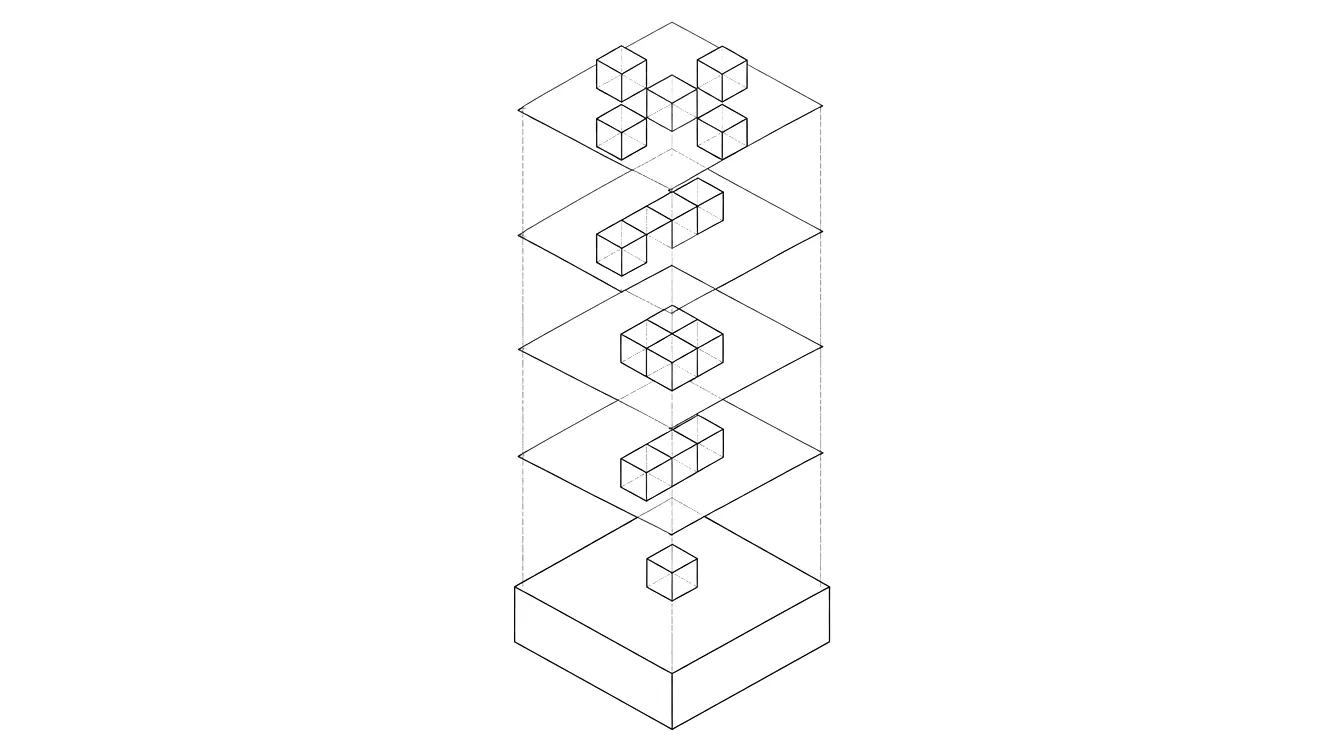
+Virtualization: ink illustration
RDY / CPU ready at 12% during the backup window
N+1 / not enough memory after a host failure
VRT / 04Findings are illustrative
+
Day one

What we check first

  • Calculate vCPU overcommit and memory headroom after a host failure
  • Review CPU ready, storage latency and memory ballooning
  • Find stale snapshots and orphaned disks
  • Check cluster networking: redundancy, MTU, isolation of migration traffic
Tool

Will the cluster survive losing a host

Headroom is judged by memory: it cannot be overcommitted without consequences.

+
Failure patterns

Where it usually breaks

A

N+1 on paper only

The cluster was sized for a host failure, but VMs were added for two years. On failure, HA finds no memory to restart them.

B

Monster VMs

A VM got 32 vCPUs “just in case”. It waits for free cores longer than it runs.

C

Eternal snapshots

A pre-upgrade snapshot was forgotten. The disk grows, performance drops and consolidation takes hours.

+
Outcome

What you keep

  • A capacity model with failure headroom
  • A workload migration plan with order and windows
  • Placement rules and a tested failure scenario
← MSX

Microsoft and Exchange

BKP →

Backup

+
Contact

Describe your task

Tell us what is happening and what has been tried. The engineer who will handle it replies.